The problem
Searching a keyword on a Korean news portal returns dozens of articles, and many of them cover the same story. This app turns one search into a handful of stories, each with a short summary.
What it does
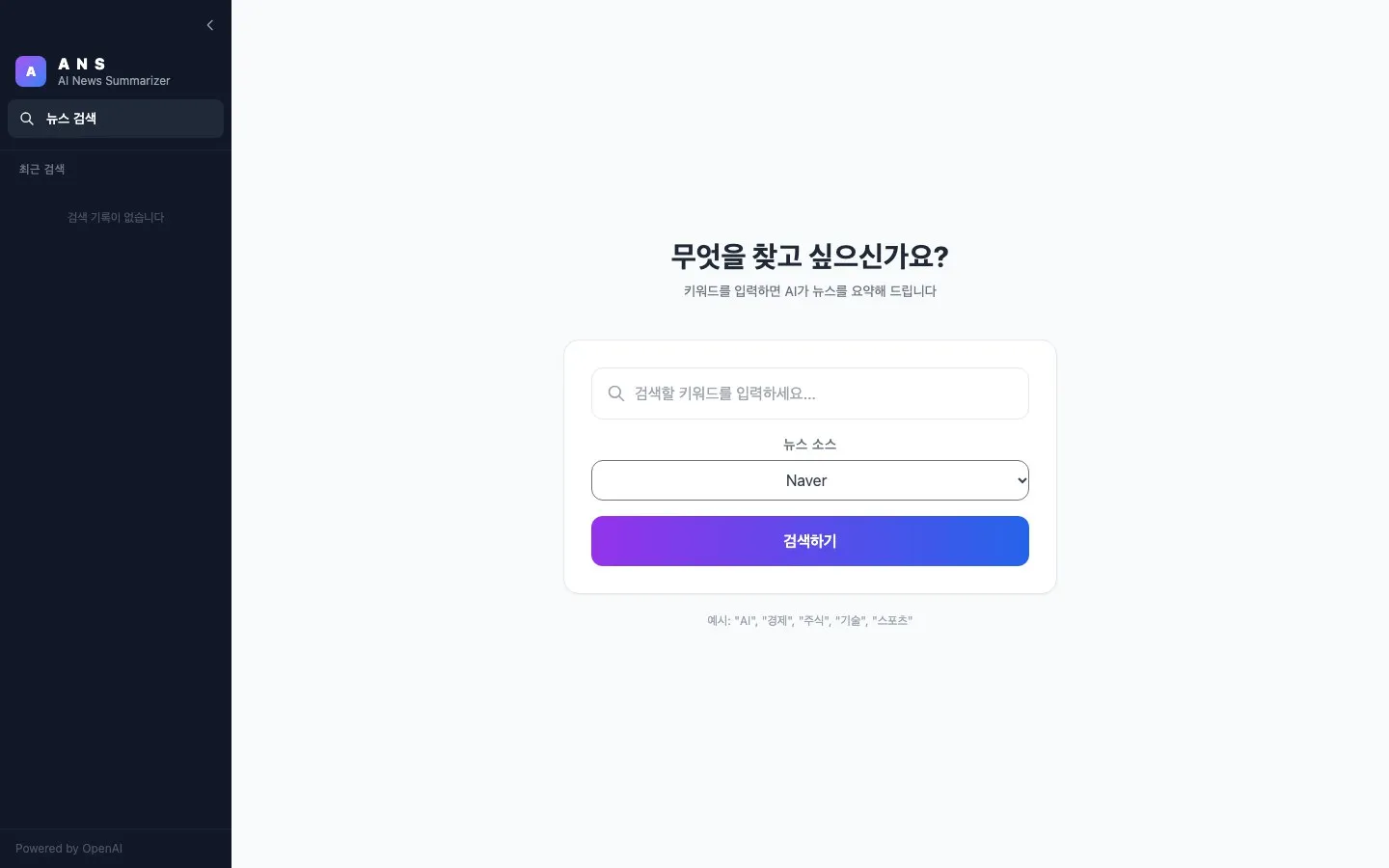
You enter a keyword and choose Naver or Daum as the source. The app collects 20 articles, sorts them into up to five groups, and shows each group with a summary of three sentences or fewer, a link to the article it summarized, and the headlines of the related articles.
A progress bar shows which stage the search is in. The last 30 searches are saved in the browser, so reopening one is instant.
Who built what
This was a two-person project. My teammate wrote the news crawler and the first version of the grouping and summary pipeline. I built everything around it: the first prototype screen, the Next.js web app, the server, background jobs and progress reporting, the parallel version of the pipeline, and deployment.
How it changed
The app was rebuilt several times, and each rebuild fixed a specific problem.
December 2025: a prototype. The first version was a Streamlit form. It drove a real Chrome browser to collect five articles and summarized them with a model running on the laptop.
Late December: lighter parts. My teammate replaced the browser automation with direct page requests and the local model with the OpenAI API, and added embeddings and k-means grouping.
January 2026: a real web app. I replaced Streamlit with a Next.js frontend and a Python server. I first tried running the Python code as Vercel functions, which are limited to 60 seconds, and then moved the server to Render.
February: no more frozen page. A search used to be a single request that held the page until everything finished. I changed it to a background job. The server returns a job ID right away, and the browser asks for progress every 600 milliseconds. This is also when search history and the larger group count (from 3 to 5) went in.
March: parallel work. I moved the server from Flask to FastAPI, changed article fetching from one at a time to eight at a time, and changed summaries from one at a time to all groups at once.
Keeping a free server awake
Render’s free plan shuts a server down after 15 idle minutes, and the next visitor waits for it to start. I added a health endpoint so that an uptime monitor can ping the server every five minutes and keep it running.
What it does not do
- Nothing is measured. I never recorded how long a search takes before and after the parallel changes, so I can’t put a number on the speedup.
- Each summary covers one article. The app summarizes the article closest to the center of each group, not the whole group.
- The group count is fixed. It always asks for five groups, whether the news has two stories or ten.
- It depends on page layout. The crawler reads the portals’ HTML, so a redesign on their side can break it.
- Jobs live in memory. A server restart loses any search in progress.